Deck Plugins
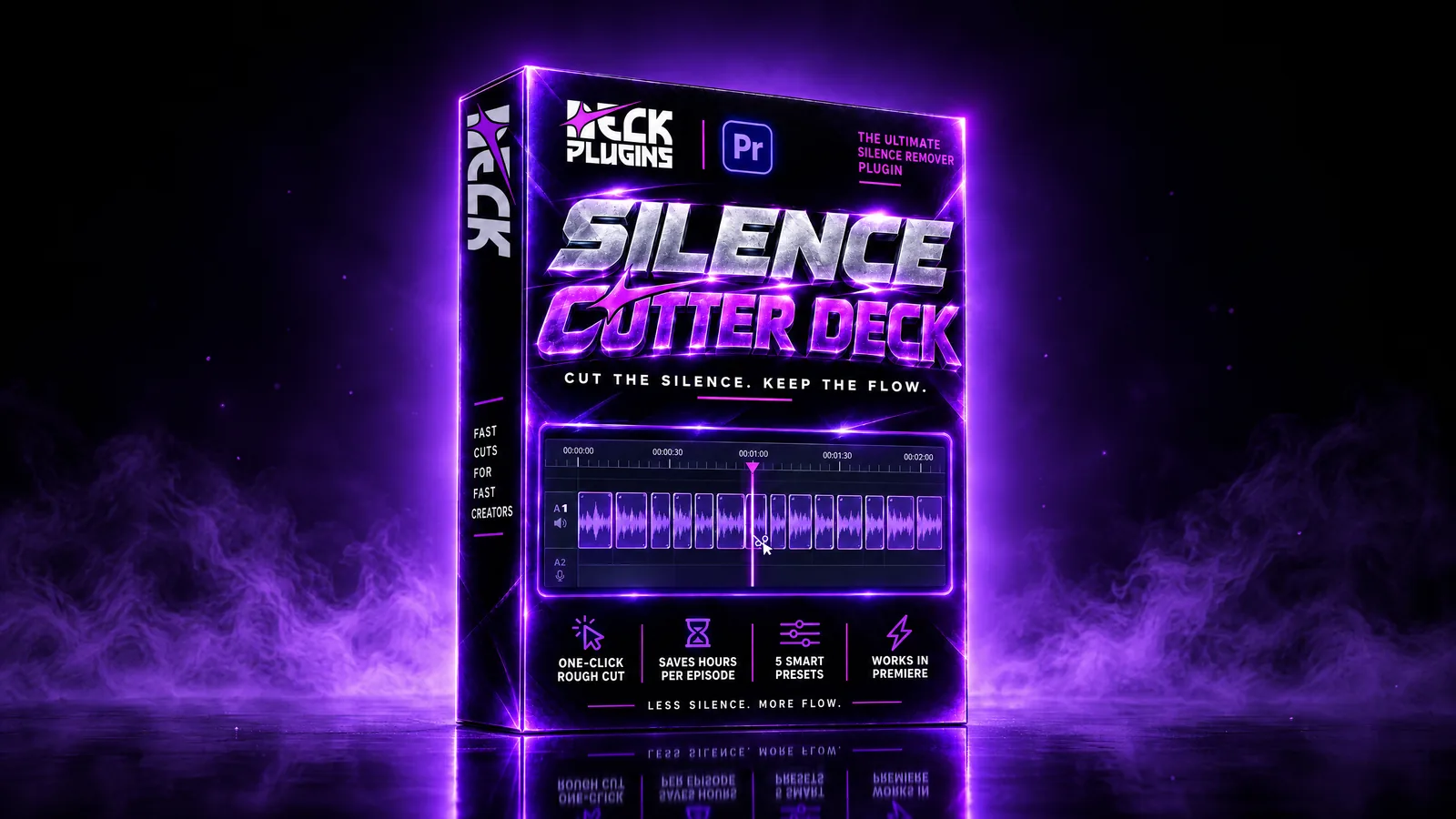
Silence Deck
Automatically remove silences and speed up your rough cut
Deck Plugins
Silence Deck
★ 5.0 · Based on 2 reviewsAutomatically remove silences and speed up your rough cut
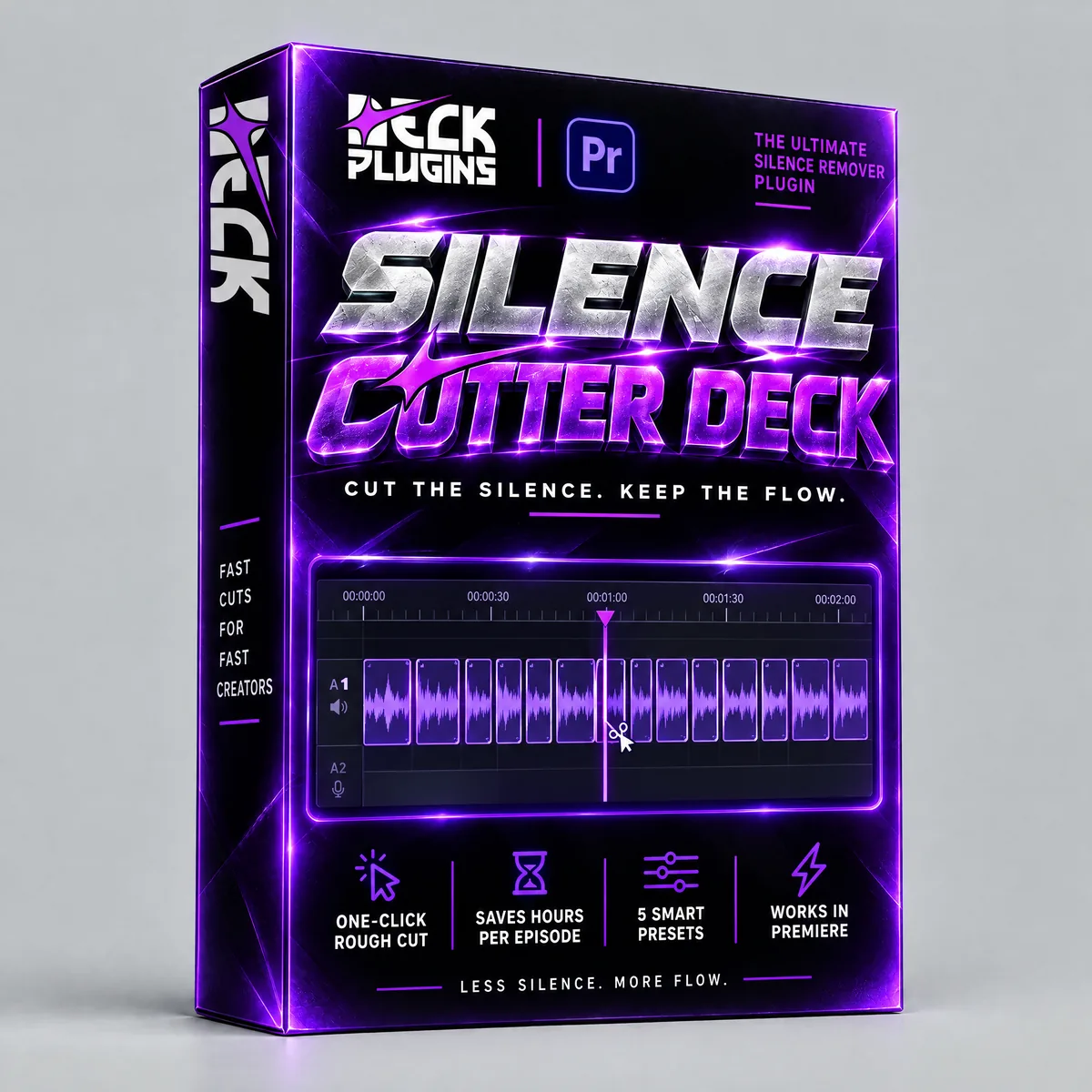
Analyzes your timeline's audio and finds the silences for you — editable regions you can toggle on or off, drag the edges of, and apply in one pass: cut, remove, and close the gaps. In DaVinci Resolve it builds a brand-new timeline, never touching the original.
Secure Stripe checkout · Download from your account · Final sale, no refunds
How Silence Deck works
Requirements
- Premiere Pro 2021 (15.0)+ or DaVinci Resolve 17+ (Studio or Free).
Frequently asked questions
Which editing apps does it support?
Premiere Pro and DaVinci Resolve 17 or later, including Studio and Free.
How do I activate my license?
In Premiere Pro, use your license email and the six-digit code sent to it. License activation for the Resolve version is still to be confirmed.
Can I move my license to another computer?
Each license allows one device. Activating it on another computer revokes the previous device's activation.
Reviews
5.0 · Based on 2 reviews
Excelente herramienta para aliviar el flujo de trabajo
ahorro de tiempo
edito podast y con este plugin me ahorro horas a la semana con solo 2 clic ya tengo todos los recortes